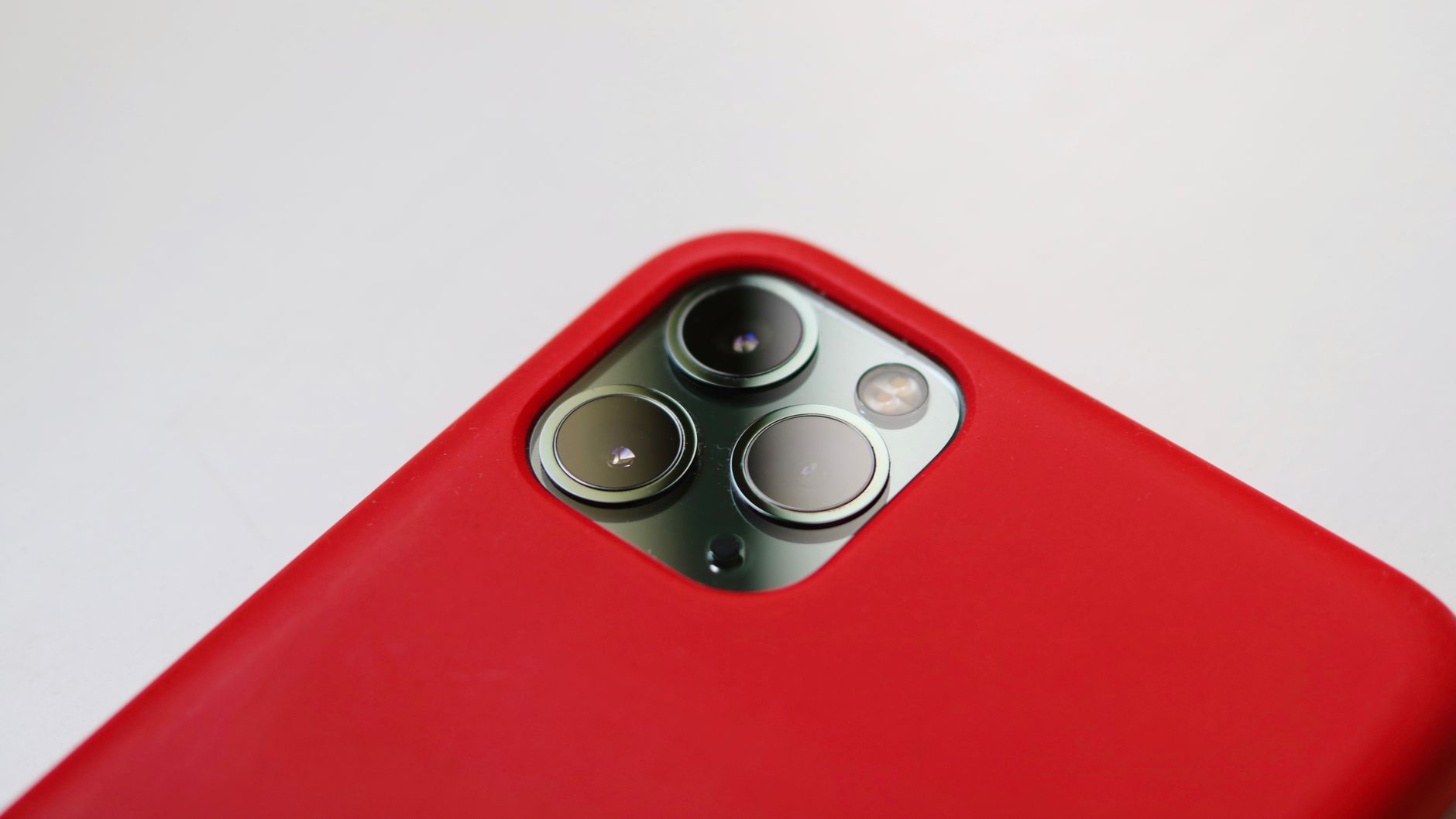
The best camera is the one you have with you, and for many people, that’s their iPhone. While some may argue about which smartphone has the most impressive camera specs or whether a dedicated DSLR is necessary for professional shots, the iPhone is undoubtedly a reliable shooter. It’s always with you, takes great photos out of the box, and makes it easy to store and share results with others.
However, that doesn’t mean you can’t make it better. By tinkering with the iPhone’s Camera app, you can push it to its limits and return the highest-quality photos and videos possible.
Adjusting Video Settings
To get the most out of your iPhone’s camera, try adjusting your video settings to shoot in the highest possible quality. iPhones have supported 4K video since 2015, but Apple keeps the default setting at 1080p to prioritize storage. To change this, head to Settings > Camera, then choose “Record Video” and select 4K at your preferred frame rate.
You can also disable features like “Enhanced Stabilization” and “HDR Video” if you don’t find them useful. Additionally, you can adjust the resolution and frame rate directly in the Camera app by tapping the menu in the top left.
Shooting in ProRAW
Similarly, Apple balances image quality with storage needs in its default photo settings. To take higher-quality images, try shooting in ProRAW, which saves more image information than a standard JPG. If you have an iPhone 12 Pro or later, you can shoot in ProRAW, and if you have an iPhone 14 Pro or later, you can shoot in ProRAW Max, which contains even more information.
To try out ProRAW, head to Settings > Camera > Formats, then choose “ProRAW & Resolution Control.” Be aware that ProRAW images are 10 to 12 times larger than standard JPGs, so storage space may be a concern.
Related: Self-Emptying Shark Robot Vacuum Hits $135 Sale
For users who want more control over their images, there are also great third-party camera apps available that offer extended controls like shutter speed, ISO, and white balance.
Other Tips and Tricks
To make it harder to accidentally launch the camera, you can disable some of the default launch methods, such as the Home Screen app, Control Center tile, or Lock Screen shortcut. You can also change your Camera Control setting to launch a different camera app by default.
It is a fact that the iPhone’s camera is reliable.
Users can also use their iPhone to record videos and take photos, then share them with others by using FaceTime or other methods.
The iPhone’s camera app has many features that can help users take better photos and videos, such as the ability to adjust the resolution and frame rate, and to use different camera modes, including Night mode and Portrait mode.


