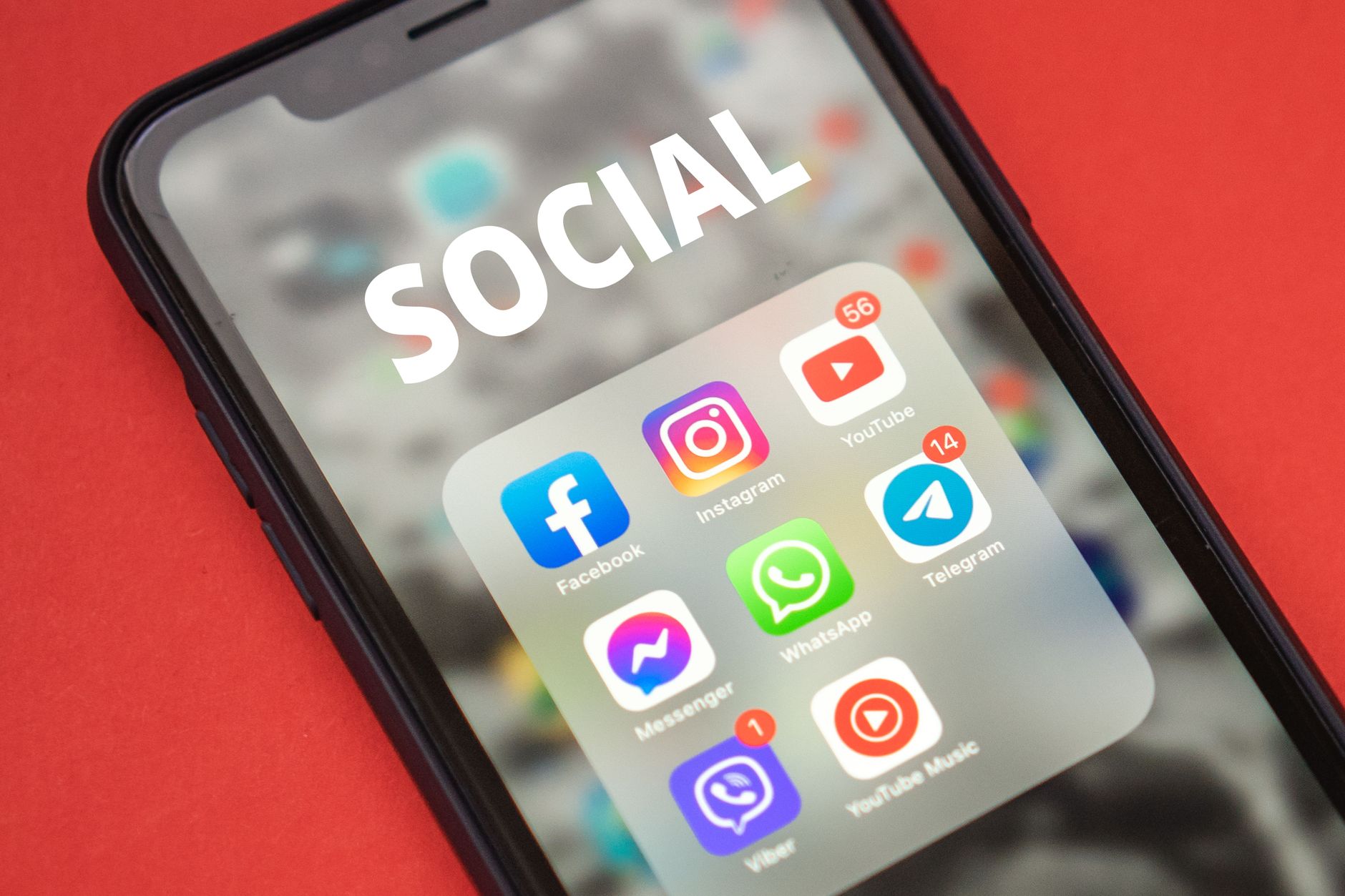
Finding a way to watch YouTube without ads has become a priority for many users as the platform increases the frequency of unskippable commercials on free accounts.
Official subscription options
YouTube Premium remains the only service that guarantees an ad‑free experience across all devices, including smart TVs. The standard plan costs $15.99 per month, while a family plan at $26.99 allows up to six members to share the benefit. A newer tier, YouTube Premium Lite, is priced at $7.99 per month and promises ad‑free viewing for most non‑music videos.
Some users look abroad for cheaper rates, with subscriptions in Argentina, India or Turkey listed at under $2 per month. Accessing those plans typically requires a VPN to change the apparent location before signing up.
Browser‑based solutions
On desktop and mobile browsers, ad‑blocking extensions can remove many pre‑roll and mid‑roll ads. uBlock Origin is a popular choice for Firefox, which supports extensions on Android. After installing the add‑on, users enable it through the browser’s menu and can browse YouTube without most interruptions.
The DuckDuckGo browser incorporates community filters from uBlock Origin directly into its desktop and iOS versions, automatically blocking a wide range of ads. Android users must toggle the feature manually in Settings → Ad Blocking, provided they are running the latest version.
Android apps that bypass ads
Third‑party clients designed for Android often provide an ad‑free experience without requiring a subscription. NewPipe is an open‑source player that supports background playback, picture‑in‑picture and, most importantly, removes ads. The app is not available on the Play Store; users download the APK from the official website or obtain it via the F‑Droid repository.
Similar in purpose, SkyTube also blocks ads but operates as a view‑only client, meaning users cannot sign in with their Google accounts. A variant called SkyTube Extra adds support for the official YouTube player and casting capabilities.
Related: Meta Allows AI Image Generation from Posts
LibreTube is an Android‑only open‑source client with a modern interface.
Smart TV alternatives
Android‑based smart TVs and streaming boxes can run a dedicated YouTube replacement called SmartTube. After sideloading the app, users gain full control over video playback without encountering ads.
Sponsored content within videos can also be curtailed with SponsorBlock, a service that crowdsources timestamps for sponsor segments. When paired with compatible apps, the extension automatically skips those portions, reducing the overall ad load.
While many of these tools provide a cost‑free way to avoid commercials, they each come with trade‑offs such as missing out on personalized subscriptions, comment functionality or official YouTube updates.
From a broader perspective, the rise of ad‑blocking solutions reflects a growing tension between platform monetization strategies and user tolerance for interruptions. Advertisers push more unskippable content, and third‑party developers respond by creating alternatives that prioritize uninterrupted viewing, even if that means operating outside official channels. This shift suggests that any future changes to YouTube’s ad policy could ripple through a network of unofficial apps and extensions, influencing how users ultimately access video content.
Overall, the mix offers a variety of official subscriptions, browser extensions and specialized apps for Android, iOS and smart TVs. Users can choose the method that best fits their device ecosystem and willingness to manage installations or extensions.
Android apps continue to evolve alongside broader modern technology trends.


